Safebox
The little book by the phone. Locked.
Safebox is an offline, PIN-locked app for your contacts, passwords, and important numbers — the little book behind a PIN. No account, no cloud, works with no internet.
What it does
- Contacts — name, phone, and email, with big Call, Text, and Email buttons.
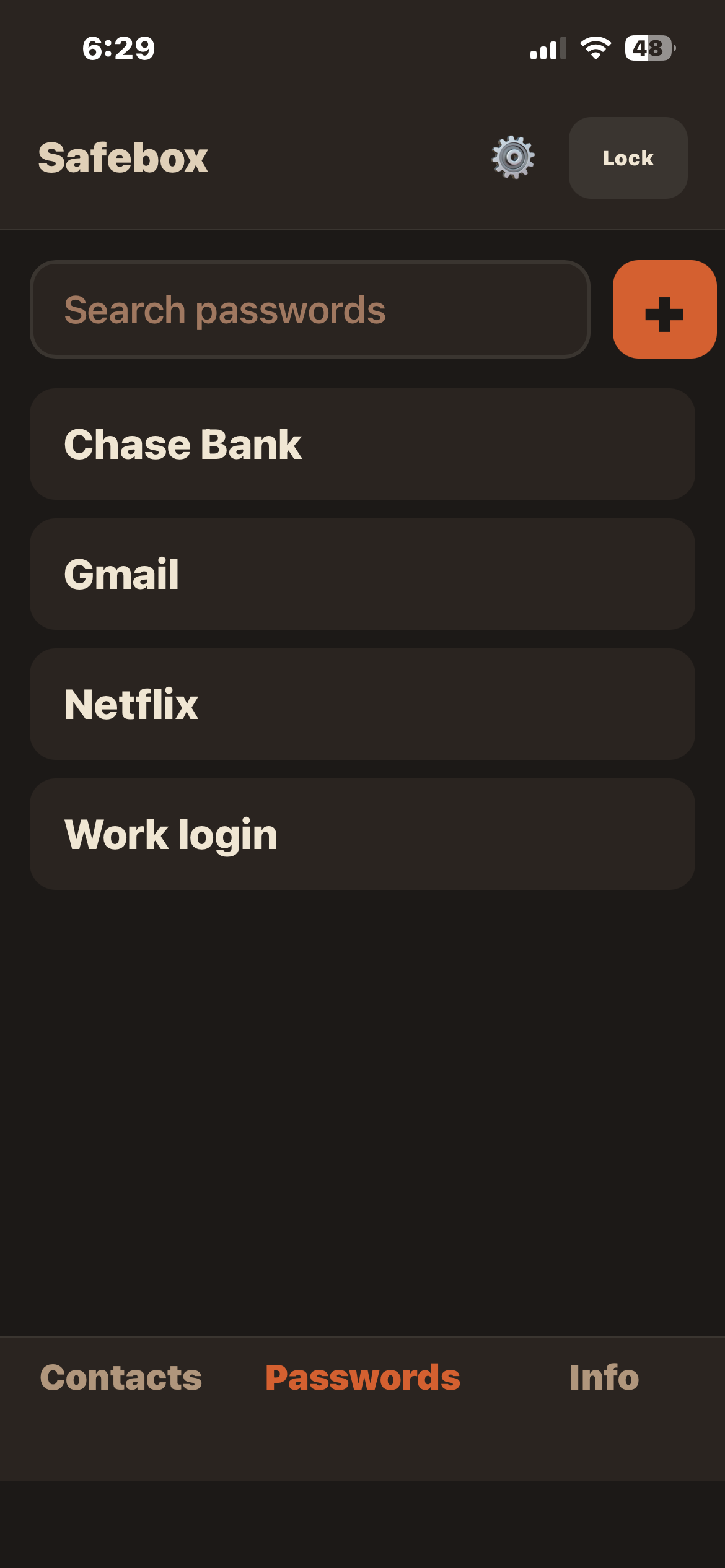
- Passwords — name, username, password, and a note; the password is hidden until you tap to show or copy it.
- Important numbers — a label and free-form details for account numbers and the things you'd keep in a folder; tap to copy.
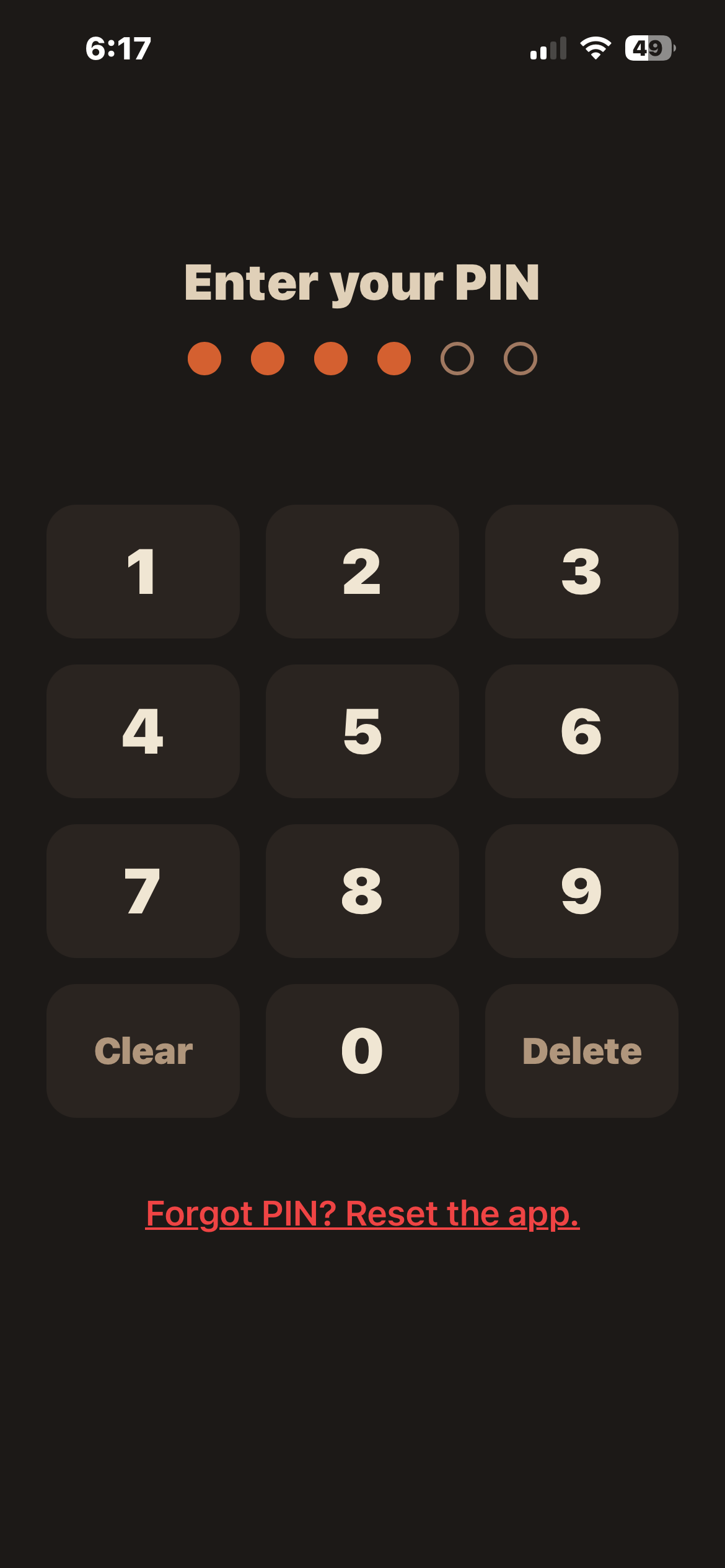
- Locked with a PIN — a 6-digit PIN every time you open, and your entries are stored scrambled (encrypted) so the book is unreadable without it.
- Auto-lock — it locks itself again after it's been away in the background.
- Encrypted backup and restore — save one locked file and bring it back on a new device with the same PIN.
- Search — find any entry fast within each tab.
- Five languages — English, Spanish, French, German, and Simplified Chinese.
What it is, and what it isn't
Safebox is the address book in the drawer, the passwords on the sticky note, and the account numbers in the folder — made digital, kept on your device, and locked behind a PIN. It invents nothing and reuses everything you already know.
- Not a modern password manager. No autofill, no browser extension, no breach monitoring, no generator, no syncing.
- Not in the cloud. The data lives on your device — we can't see it, recover it, or lose it for you.
- Not synced between devices. Each install is its own book.
- Not shared. One person, one app. No family vaults.
- Not PIN-recoverable. Forget the PIN and the data is gone — the honest trade-off for real privacy, same as losing a paper book.
Weighing the options? See how Safebox compares to the alternatives.
Free printable: the password book page
Prefer paper? Print a blank password book page, fill it in with a pen, and keep it somewhere safe — a drawer, not a desk.
Questions
Does it work offline?
Yes. After the first load it never needs the internet.
Is there a subscription?
No. There is no subscription and no recurring fee.
Do I need an account?
No. There is nothing to sign into.
Is my data private?
Yes. It's PIN-locked and stored encrypted on your device. Nothing is uploaded.
What does it run on?
Any modern phone, tablet, or computer browser — and it installs to the home screen.
What happens if I forget my PIN?
Then the book stays locked — Safebox has no recovery codes, no reset email, and we couldn't unlock it for you if you asked. The only way forward is a reset that erases everything and starts fresh. That's the honest trade for real privacy: nobody else can get in either, so pick a PIN you'll always remember.
If I get a new phone, how do I move everything over?
Safebox saves your whole book as one encrypted backup file you keep wherever you like, then restores it on the new phone — the same PIN unlocks it there. There's no cloud copy, so make the backup before you need it.
Will it fill in my passwords on websites?
No, and proudly not — Safebox is the little book behind a PIN, not a modern password manager. There's no autofill, no browser extension, no syncing, and no breach monitoring; you look a password up and type it yourself, exactly like the paper book it replaces.
Get Safebox
Get SafeboxFree for now — donations welcome.
A look inside